Managing finances effectively is a cornerstone of any successful venture, whether you’re a small business owner, a freelance accountant, or a student learning the ropes of financial management. In recent years, cloud accounting has emerged as a powerful way to streamline bookkeeping tasks and access financial data in real time. Its user-friendly tools and flexible deployment models appeal to a broad spectrum of users—from seasoned accountants to eager newcomers. However, like any technological innovation, cloud-based systems come with certain hurdles that must be considered before implementation.
In this article, we’ll explore the concept of cloud accounting, delve into its key benefits, and discuss the core challenges it presents. If you’re a budding accountant, a student working on your first balance sheets, or an investor needing accurate financial data, understanding these aspects will help you make more informed decisions. We’ll also provide some actionable tips on integrating cloud solutions into your workflow, ensuring a smoother transition and maximizing long-term value.
Understanding Cloud Accounting
Defining Cloud Accounting
Put simply, cloud accounting refers to the use of software hosted on remote servers to manage and process financial data. Instead of installing software on local machines, users log in via the internet to access their accounting platforms. This differs from traditional accounting methods, where software licenses need to be installed on each computer, and frequent manual updates or backups are required.
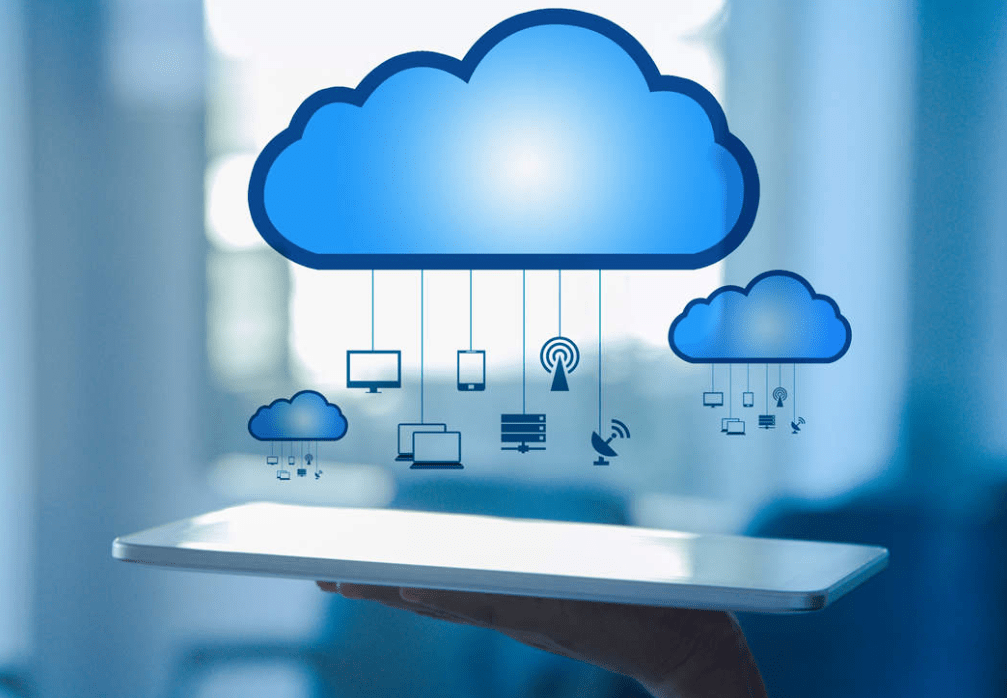
Key advantages of this model include immediate access to financial data across devices, reduced reliance on physical storage, and the ability to scale storage or add features on demand. The concept of cloud technology isn’t entirely new; industries like retail, healthcare, and manufacturing have long adopted it for data analysis and supply chain management. However, its application to accounting has proven especially useful for professionals needing accuracy, compliance, and streamlined processes.
How It Differs from Traditional Desktop Solutions
- Accessibility
With desktop-based software, users typically must work on one computer (or a localized network) to manage financial statements, invoices, and payroll. Cloud accounting eliminates that restriction by allowing authorized team members to log in anytime, from anywhere, to view or update financial records. - Updates and Maintenance
Traditional accounting programs often require manual updates, installing patches or upgrades that can interrupt daily operations. Cloud-based solutions usually roll out updates automatically on the provider’s servers, reducing downtime and ensuring that you always work with the latest version. - Collaboration
Collaboration in desktop environments can be cumbersome, involving file-sharing or emailing spreadsheets. With cloud accounting, multiple users can access and edit data simultaneously, reducing confusion and boosting productivity. - Cost Structure
Desktop solutions might demand significant upfront costs, including software licenses and hardware investments. Cloud platforms commonly adopt a subscription model (monthly or annual), which can spread costs over time and help organizations budget more predictably.
Understanding these differences provides a solid foundation for evaluating how cloud systems might fit into your accounting workflow. The decision often hinges on specific needs, budget constraints, and the readiness to adapt to newer technologies.
Key Benefits of Cloud Accounting
Real-Time Financial Data
One of the most significant advantages of cloud accounting lies in its ability to provide real-time financial data. When transactions are recorded or invoices are issued, the system automatically updates the relevant ledgers. This functionality allows professionals to see account balances, cash flow status, and profit-and-loss statements on the fly.
- Better Decision-Making
Having instant access to current data means you can make timely decisions about staffing, inventory, or investments. Instead of waiting for end-of-month reconciliations, accountants and managers can spot trends or risks early and take proactive steps. - Improved Transparency
For businesses with multiple departments, real-time data fosters an environment of transparency. Department heads can see if they’re within budget allocations, while investors gain reassurance that they’re viewing accurate numbers.
Enhanced Collaboration and Mobility
Today’s accounting processes often involve team members in different locations or even different countries. Cloud accounting platforms are designed to accommodate a dispersed environment by facilitating collaborative workflows:
- Remote Access
Whether you’re a student accessing financial practice exercises from home or an investor traveling abroad, you can log in and work seamlessly. This kind of flexibility can save time and reduce bottlenecks. - Simultaneous Editing
Larger projects sometimes require multiple accountants or financial analysts to work on ledgers concurrently. Cloud platforms enable simultaneous editing, preventing version-control issues that arise when files must be passed around via email or flash drives. - Role-Based Permissions
Many solutions let administrators define user roles and permissions, ensuring sensitive data is visible only to authorized personnel. This feature is particularly helpful in a business environment where you might have entry-level staff handling data entry, mid-level managers overseeing budgets, and top executives needing a high-level overview.
Cost Efficiency and Scalability
Moving to a cloud-based model can significantly lower costs related to hardware, software licenses, and maintenance:
- Subscription Model
Instead of paying a large, upfront license fee, you typically subscribe to a monthly or annual plan. This can be more budget-friendly for small-to-midsize entities or for students looking to learn accounting software without a hefty initial investment. - Reduced IT Overhead
Cloud providers handle server maintenance, updates, and security. This frees companies from hiring specialized staff to manage on-premise servers or worry about patching vulnerabilities manually. - Scalable Storage and Features
If your business or practice grows, you can usually upgrade your plan to include more advanced features, bigger storage capacity, or additional user seats. This modular approach means you only pay for what you need at any given time.
Automatic Backups and Security
Data security is always a top priority in any financial operation, whether you’re an accountant at a large firm or a freelance bookkeeper. Cloud accounting services typically include built-in security protocols and automatic backups:
- Redundant Backups
Reputable cloud providers replicate data across multiple servers, ensuring that if one server encounters an issue, your data remains safely stored elsewhere. - Encryption and Firewalls
Accounts are often protected by encryption at rest and in transit, meaning your data is encoded while stored and during transfers. - Regular Updates
Automated software patches minimize the risk of vulnerabilities. Traditional systems may lag in updates, creating security holes.
Challenges of Cloud Accounting
Data Security and Privacy
While encryption and backups help mitigate risks, security concerns remain. Cyberattacks can target cloud providers, and data breaches may expose sensitive information. For instance, an accounting firm handling tax returns or salary information might worry about confidentiality. Before adopting cloud accounting, verify that the provider follows industry best practices and compliance standards like GDPR in Europe or HIPAA in the U.S. (if healthcare information is involved).
Internet Connectivity Requirements
Unlike desktop software, cloud solutions rely heavily on stable internet connections. In areas with poor connectivity or frequent outages, relying on a cloud-only system can disrupt operations. This challenge can be minimized by:
- Having Backup Connections
Setting up a secondary internet source—like a cellular hotspot—helps reduce downtime. - Offline Workarounds
Some platforms offer limited offline functionalities, letting you work locally and sync data once internet access is restored.
Platform Reliability and Vendor Lock-In
Relying on a single provider for your financial data hosting introduces the risk of vendor lock-in. If service quality declines or pricing becomes unfavorable, switching providers might be complicated.
- Downtime Concerns
If the cloud provider experiences outages, you temporarily lose access to financial systems. While reputable vendors strive for high uptime, no service is immune to interruptions. - Migration Complexity
Moving your financial data to another platform could require careful exporting, reformatting, and importing processes. This challenge is manageable but requires due diligence to ensure data integrity.
Learning Curve for Some Users
Adapting to a new system always involves a learning process, and cloud accounting is no exception. Accountants accustomed to desktop software might feel overwhelmed by new interfaces or advanced features. Students exploring cloud solutions in accounting classes may also need time to grasp how the software organizes data differently compared to textbook examples.
- Training Sessions
Many cloud providers offer tutorials, videos, or onboarding specialists to ease the transition. - Support Resources
Look for platforms with robust customer support (live chat, phone, or ticketing systems) to get quick answers to technical or functional questions.
Conclusion
In an era where efficiency, accuracy, and collaboration are paramount, cloud accounting stands out as a powerful solution for accountants, students, investors, and finance professionals. It offers real-time financial visibility, reduces IT overhead, and fosters seamless teamwork across geographical boundaries. However, like any technology, it also introduces new challenges—data security, internet dependency, and the potential for vendor lock-in, among others.
For those contemplating a move to cloud accounting, taking the time to evaluate the platform’s security measures, uptime track record, and customer support is essential. Carefully consider your internet infrastructure and train staff or students properly to ensure smooth adoption. The real-time insights and streamlined workflows these systems provide can significantly bolster your financial processes, making them a worthwhile investment.
Suggestions for Embracing Cloud Accounting Successfully:
- Start Small: If you’re transitioning from a legacy system, begin with a smaller subset of your financial tasks—like invoicing—before fully migrating all functions.
- Compare Multiple Providers: Feature sets, pricing, and support vary. Conduct demos and read reviews to find the best fit for your needs.
- Build a Reliable Internet Setup: Minimize downtime with backup connections. Evaluate the offline capabilities of your chosen platform, if any.
- Stay Informed: Keep an eye on industry updates. As cloud accounting evolves, new tools or integrations might emerge to enhance your workflow.
- Encourage Ongoing Training: Regularly upskill yourself or your team to stay current on new features, ensuring you extract maximum value from the platform.
By taking these practical steps, anyone from a beginner student to a veteran accountant can navigate the benefits and challenges of cloud accounting with greater ease. Over time, the combination of automation, accessibility, and cost-effectiveness can reshape how you view—and manage—your finances, helping you stay ahead in a competitive and fast-paced world.
 ABC of Finance